Communications
Review conversations, answer customers manually, pause bots, and configure automated outbound scenarios.
Use the communication tools to monitor customer conversations, take over a chat, and configure automatic outbound messages.
Chats
Open Chats to search conversations, read incoming and outgoing messages, reply as a team member, pause a bot, or resume automation. The workspace contains the chat list, the selected conversation, and the bot controls.
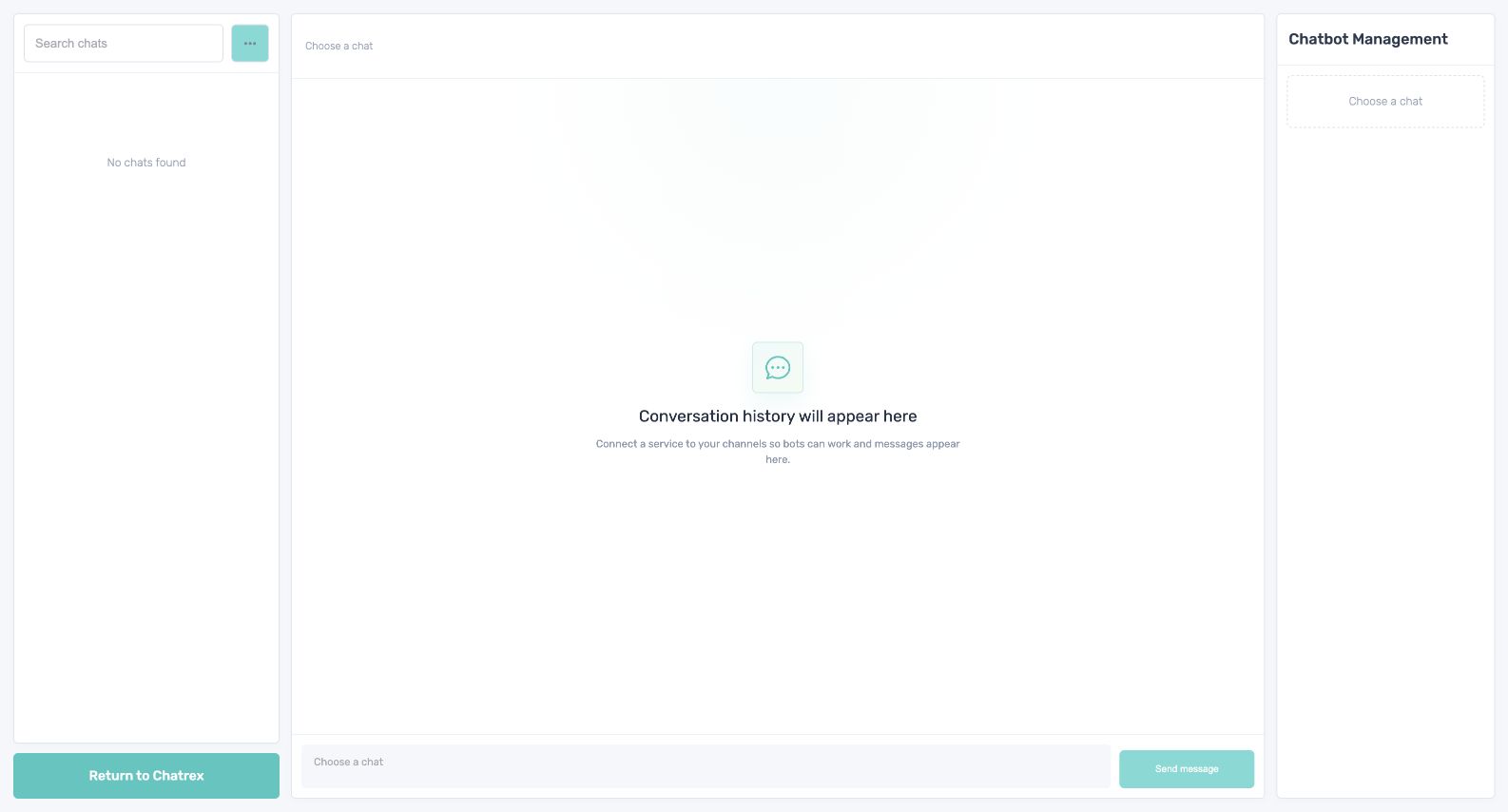
Pause the bot before a team member replies. Resume it only after checking that the current conversation context is safe for automation.
Scenarios
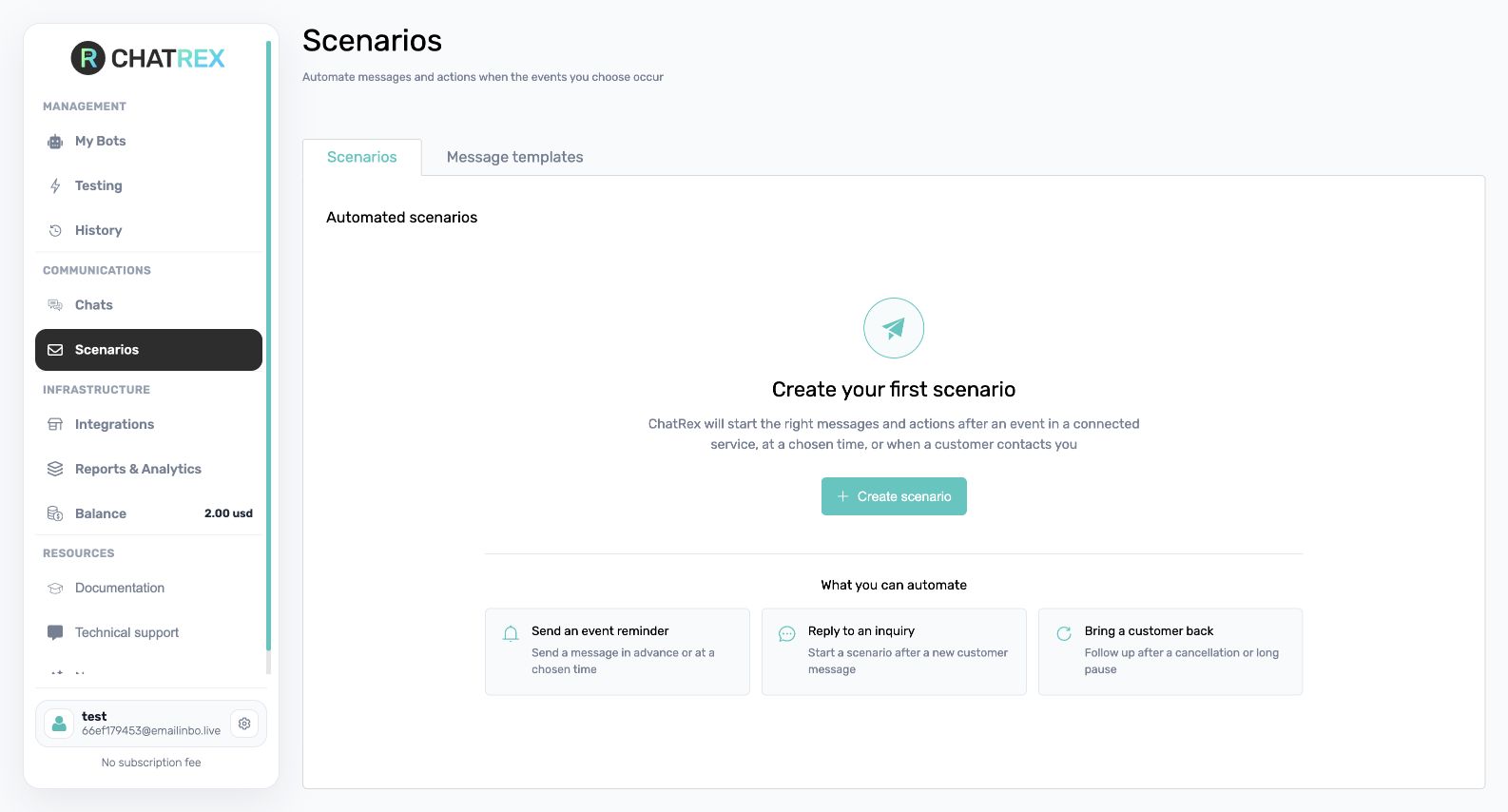
Open Scenarios to create reusable message templates and event-based triggers for outbound communication.
Do not resume a bot while a team member is still talking to the customer. Otherwise, the customer may receive duplicate or conflicting replies.