Chats
Find conversations, reply manually, pause a bot, and resume automation.
Use Chats to monitor bot conversations, answer a customer manually, and pause or resume automated replies.
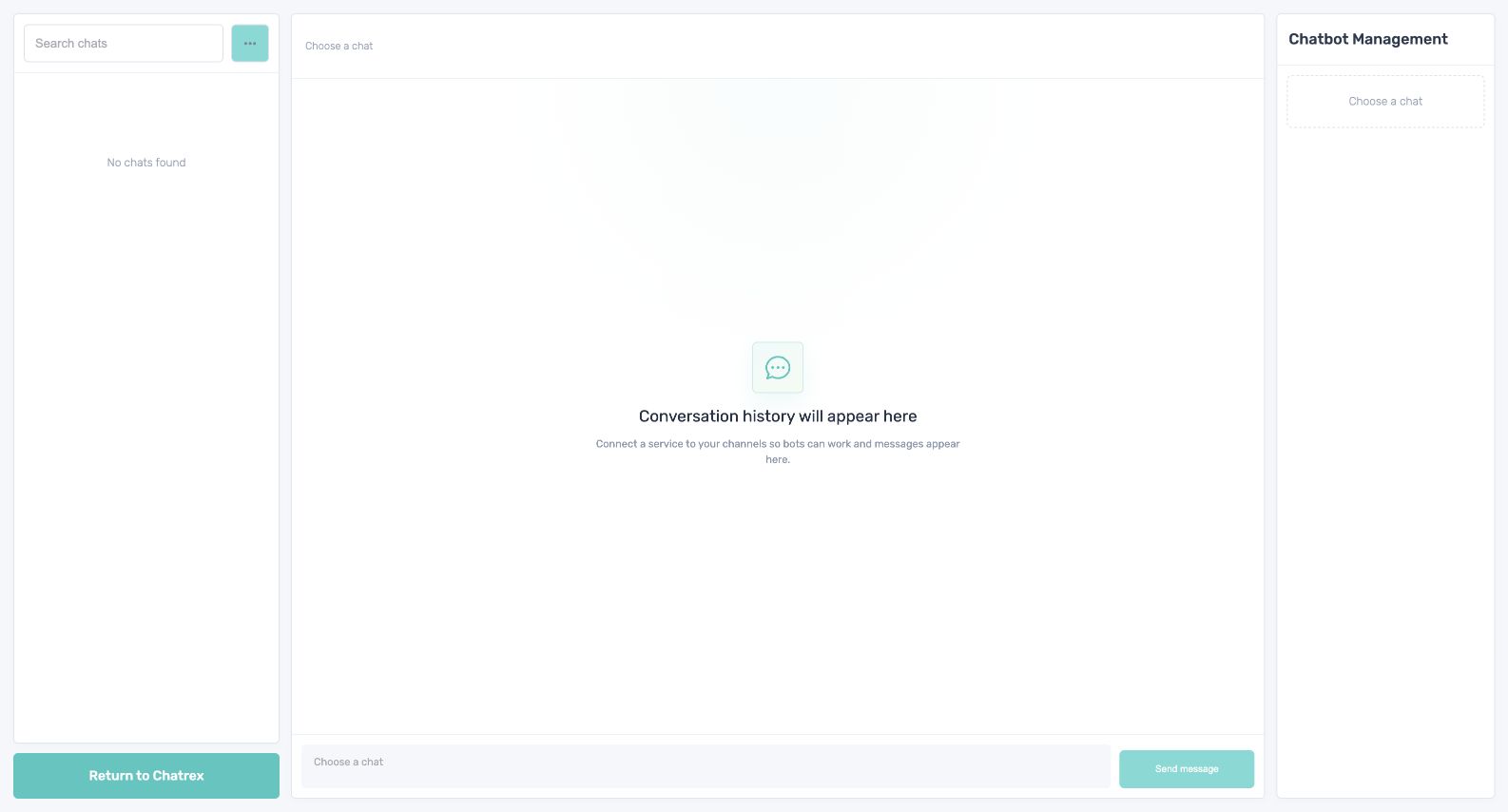
Find and open a conversation
Chats are ordered by the latest message. Use the search field to find a person, then select the conversation. The workspace shows the chat list, the selected messages and reply field, and information about the bot.
Reply as a team member
- Open the conversation.
- Pause the bot so it cannot answer at the same time.
- Enter and send the manual reply.
- Continue the conversation until the human-handled issue is complete.
Resume the bot only after reading the latest messages and confirming that it can safely continue from the current context.
Do not run the bot while a team member is still replying. The customer may otherwise receive duplicate or conflicting messages.
If a chat is missing, clear the search, confirm that the integration is active and assigned to the correct bot, and inspect the incoming message on History.