Scenarios
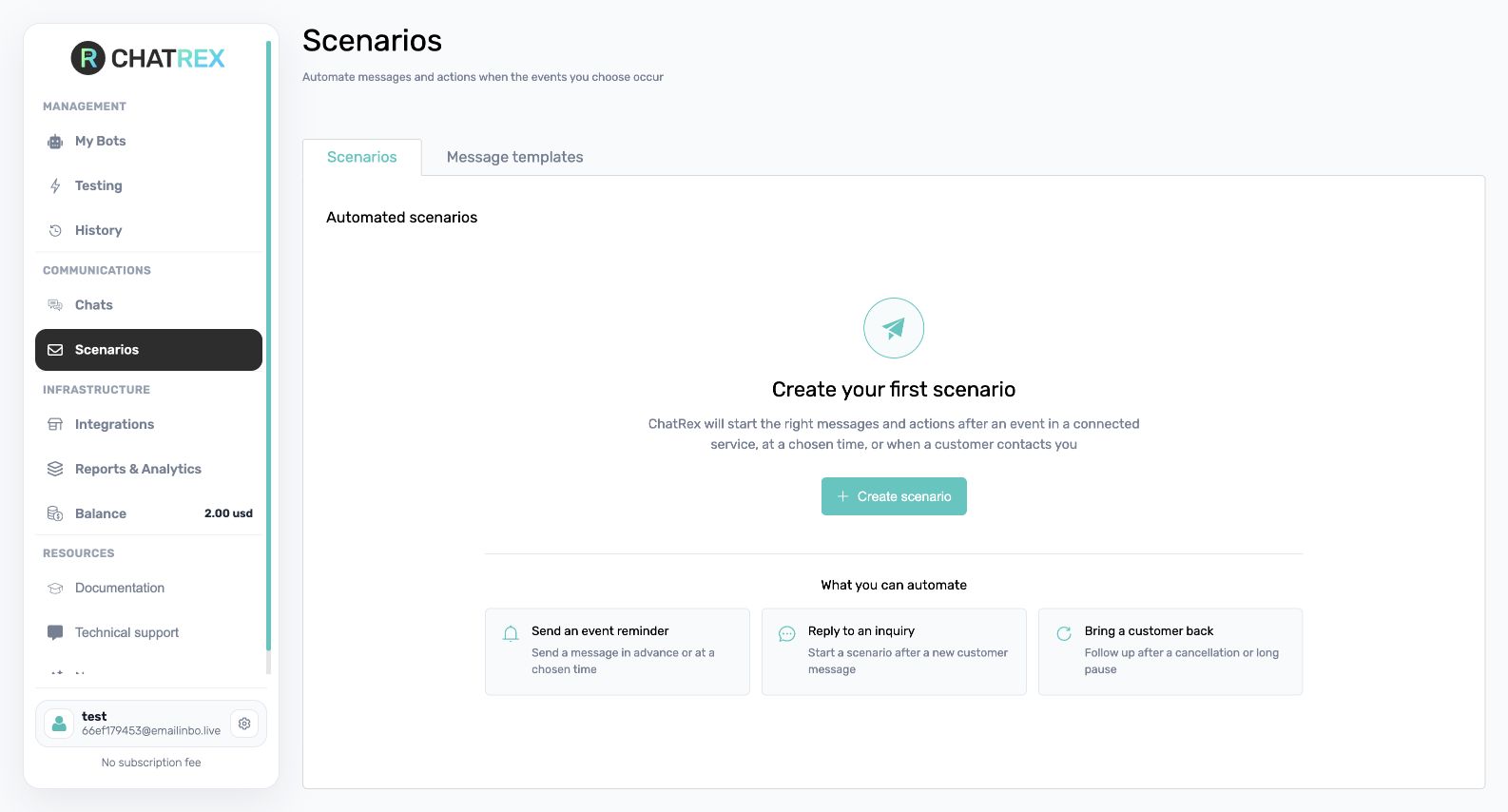
Scenarios lets you prepare an outbound message and send it through a connected channel when a defined event occurs. A scenario combines a message template with a trigger.
Before you start
Confirm that the integration is active, the channel supports outbound messages, recipient data is available, and you have a lawful reason to contact the recipient.
Create a template
Open the templates area, add a template, give it a recognizable internal name, write the message, and insert only variables that are always available from the connected service. The internal name is not sent to the customer.
Create a trigger
Add a trigger, choose the template and delivery channel, then select the integration event that should send it. Use no AI when the prepared template must be sent unchanged; select a bot only when AI should generate or transform the message.
Test safely
Use a test customer with your own contact details. Trigger the event and check delivery time, channel, substituted variables, and duplicate prevention before enabling the scenario for real customers.
If nothing is sent, check the integration and subscription, recipient contact, required variables, selected template and event, and the channel's outbound-message restrictions.