Reports & Analytics
Review AI reports, conversation cases, trends, and recommendations for ChatRex bots.
Reports & Analytics helps you assess a selected bot: review its score, main risk, key findings, report history, conversation cases, trends, and recommendations.
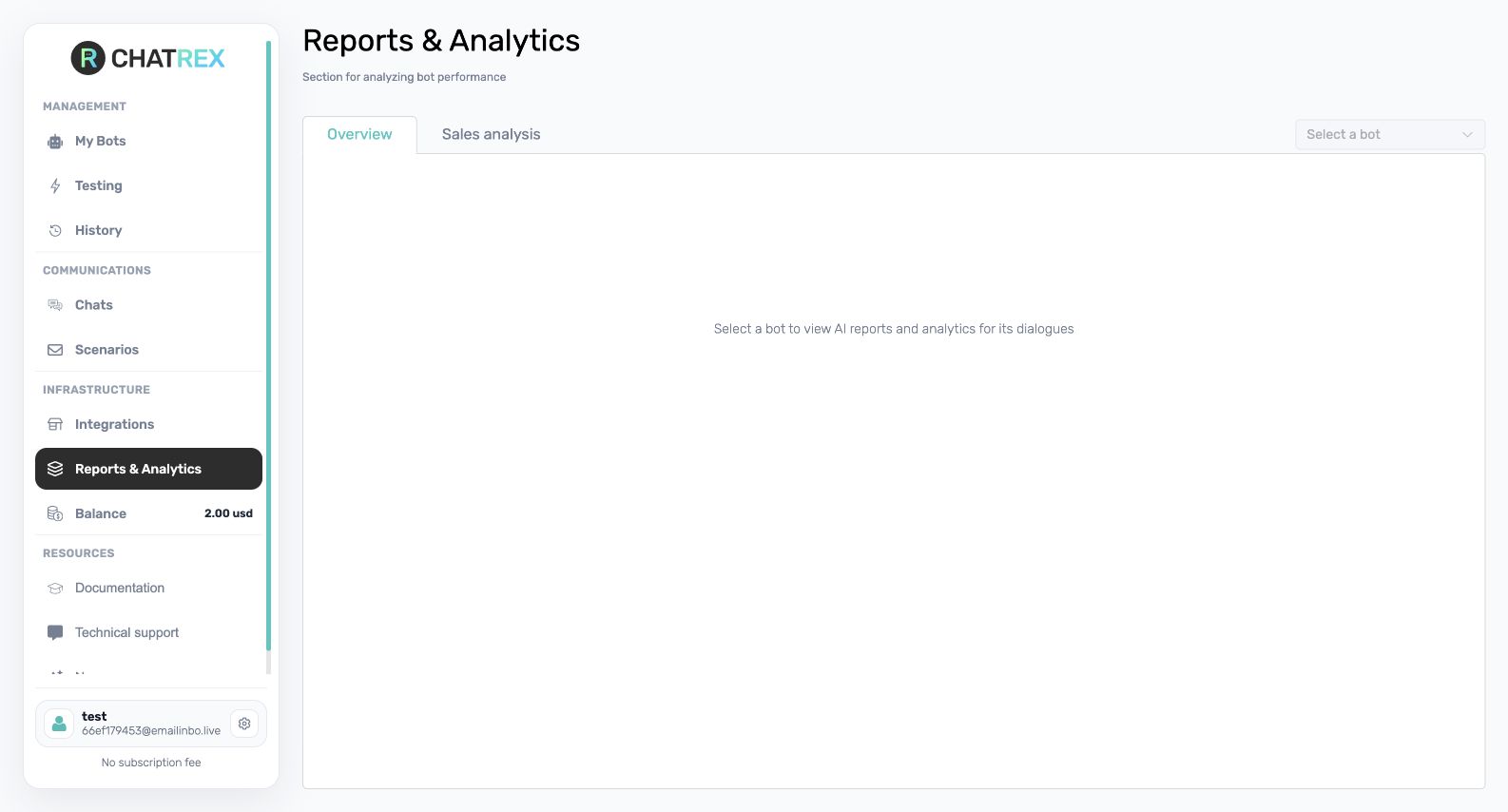
Open a report
- Open Reports & Analytics in the sidebar.
- Select a bot.
- Open the latest report or choose an earlier report from the history.
Reports are generated for bots with an active subscription. If a bot has no report, first verify its subscription and make sure it has enough conversations for analysis.
Read the results
Use the overall score as a starting point, then inspect the main risk, findings, and recommendations to understand the reasons behind it. In the detailed report:
- Summary presents the assessment, problems, and prioritized recommendations;
- Conversation cases shows selected examples and the relevant dialogue excerpts;
- Trends compares available reporting periods.
You can download a PDF when that option is available. A weekly report can also be enabled for a bot on Basic. After applying a recommendation, compare the next report with the previous period and repeat the same test scenarios.