Test the bot and inspect processing history
Always test the bot after changing its instruction, knowledge, channels, conditions, or actions.
Test a conversation
- Open Testing in the sidebar, or use the testing button in the bot settings.
- Select a bot.
- Enter a message and select Send message.
- Continue the conversation through several realistic scenarios.
- Clear the conversation before starting a scenario that must not reuse the previous context.
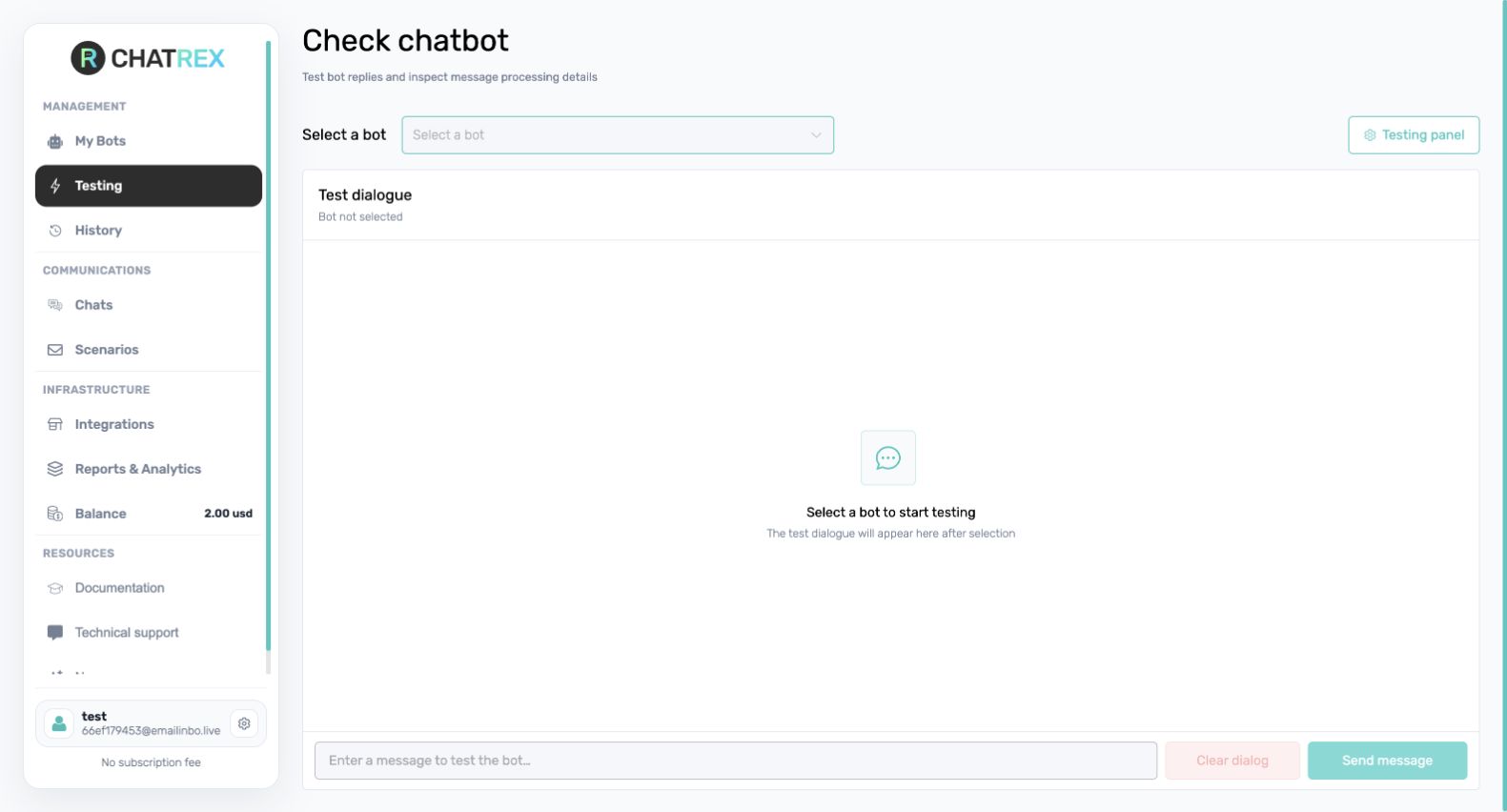
Test at least a typical request, an incomplete request, an off-topic question, collection of required variables, each action, an external-service error, and the handover or stop condition.
Built-in testing validates the conversation logic. Features that depend on a messenger or CRM must also be tested through the real connected channel.
Use History to diagnose a result
Open History to review messages processed by bots. Filter by date, switch between compact and detailed views, inspect the incoming message, source, channel, response, processing events, and cost, or export the selected period.
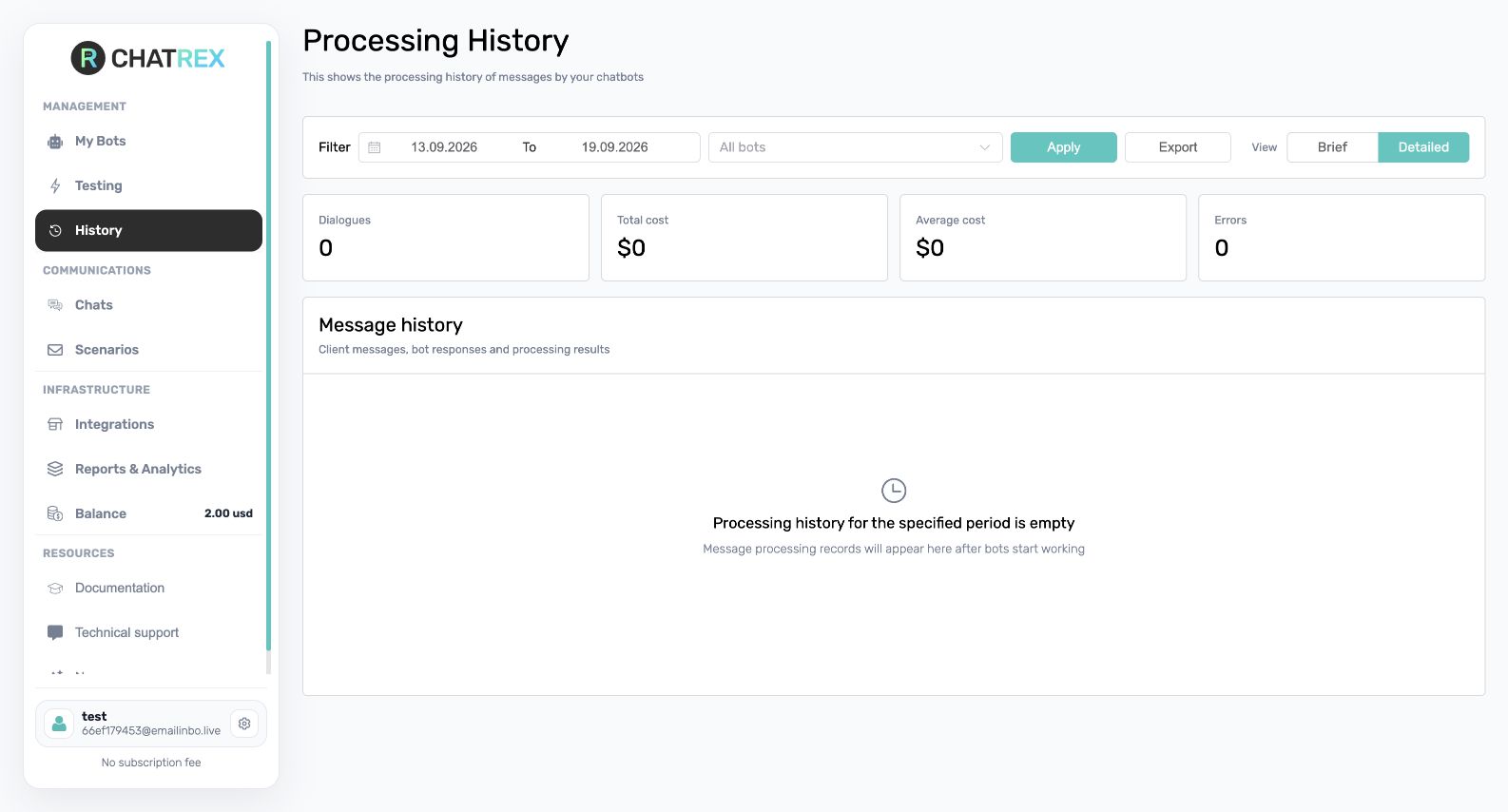
Open a message's details to compare the user message with the bot response and to inspect action calls. If a reply is incorrect, check the main instruction, knowledge-base content, action inputs and outputs, assigned channel, and launch conditions.
Next step
Check billing and subscriptions, then send a final test message through the real channel. After launch, review Reports & Analytics regularly.