Configure integrations and actions
Enable bot actions and configure operations in connected services.
Actions let a bot read or change data in connected services—for example, create an appointment, update a deal, find an order, or send a file.
Enable actions
- Open My Bots and edit the required bot.
- Open Integrations and actions.
- Enable actions for the bot.
- Describe the bot's main purpose: the result it should achieve with those actions.
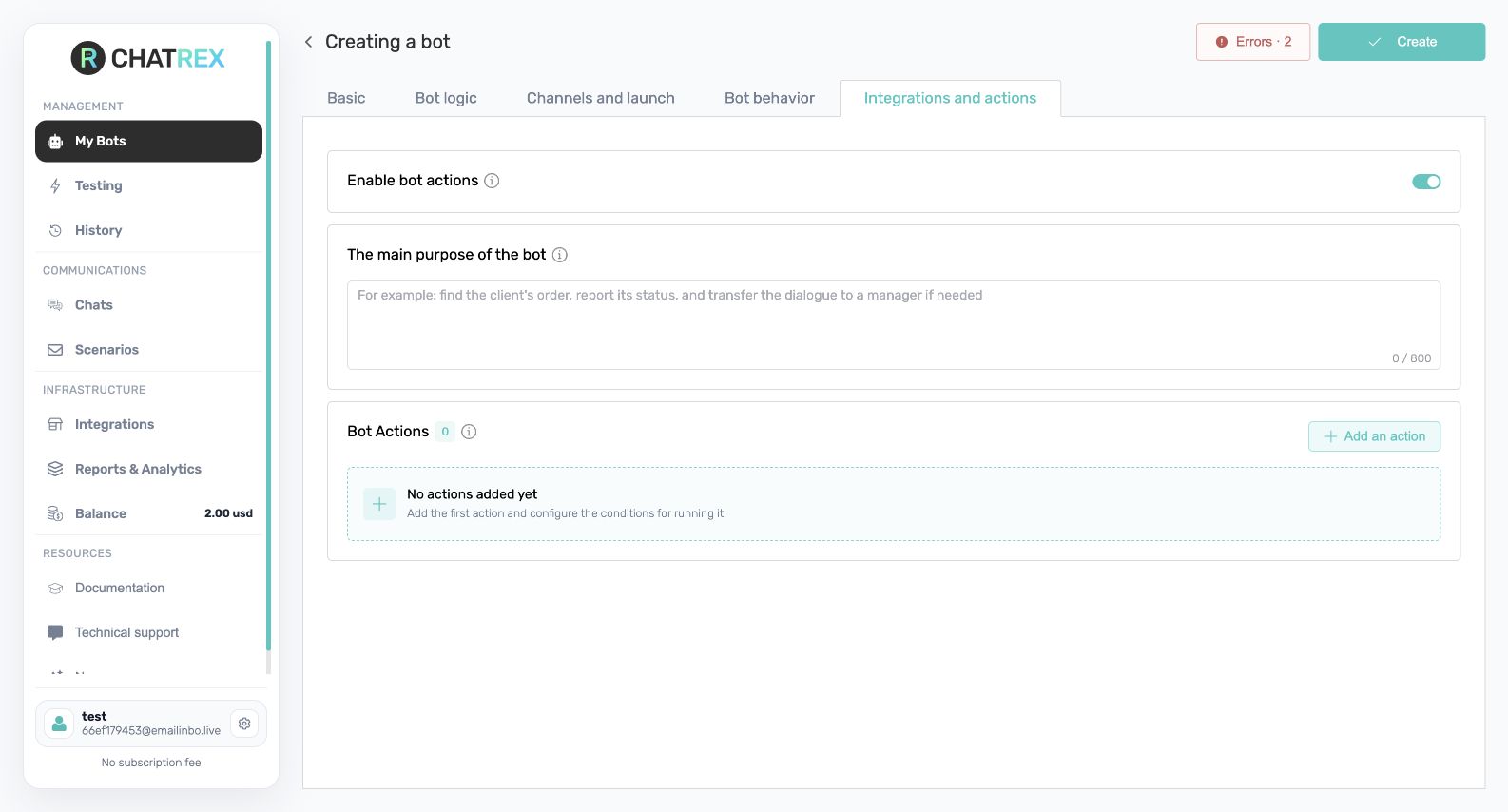
Add an action
- Add an action and select a connected integration and operation.
- Give the action a clear name.
- Explain exactly when the bot should call it and which data it must collect first.
- Configure inputs, outputs, and the response to success or failure.
- Save the bot and test the action with normal, missing-data, and error scenarios.
Use the result preview, when available, to understand the JSON returned to the bot. A preview does not execute the operation or change external data.
For details, see How actions work, Built-in actions, and Actions in integrations.
Do not let a bot perform an irreversible or financial operation without explicit user confirmation.