Connect a channel
Connect a messenger, CRM, or another channel and assign it to a ChatRex bot.
Before assigning a channel to a bot, create an integration with the required service.
Connect the integration
- Open Integrations in the sidebar.
- Select Connect integration.
- Choose the required category and service.
- Select Connect and complete the authorization or connection fields.
- Confirm that the new integration is active.
Assign the channel to a bot
- Open My Bots and edit the required bot.
- Open Channels and launch.
- In the channel conditions section, add a channel.
- Select the connected integration and configure any additional launch conditions.
- Set the working hours if the bot should run on a schedule.
- Select Save changes.
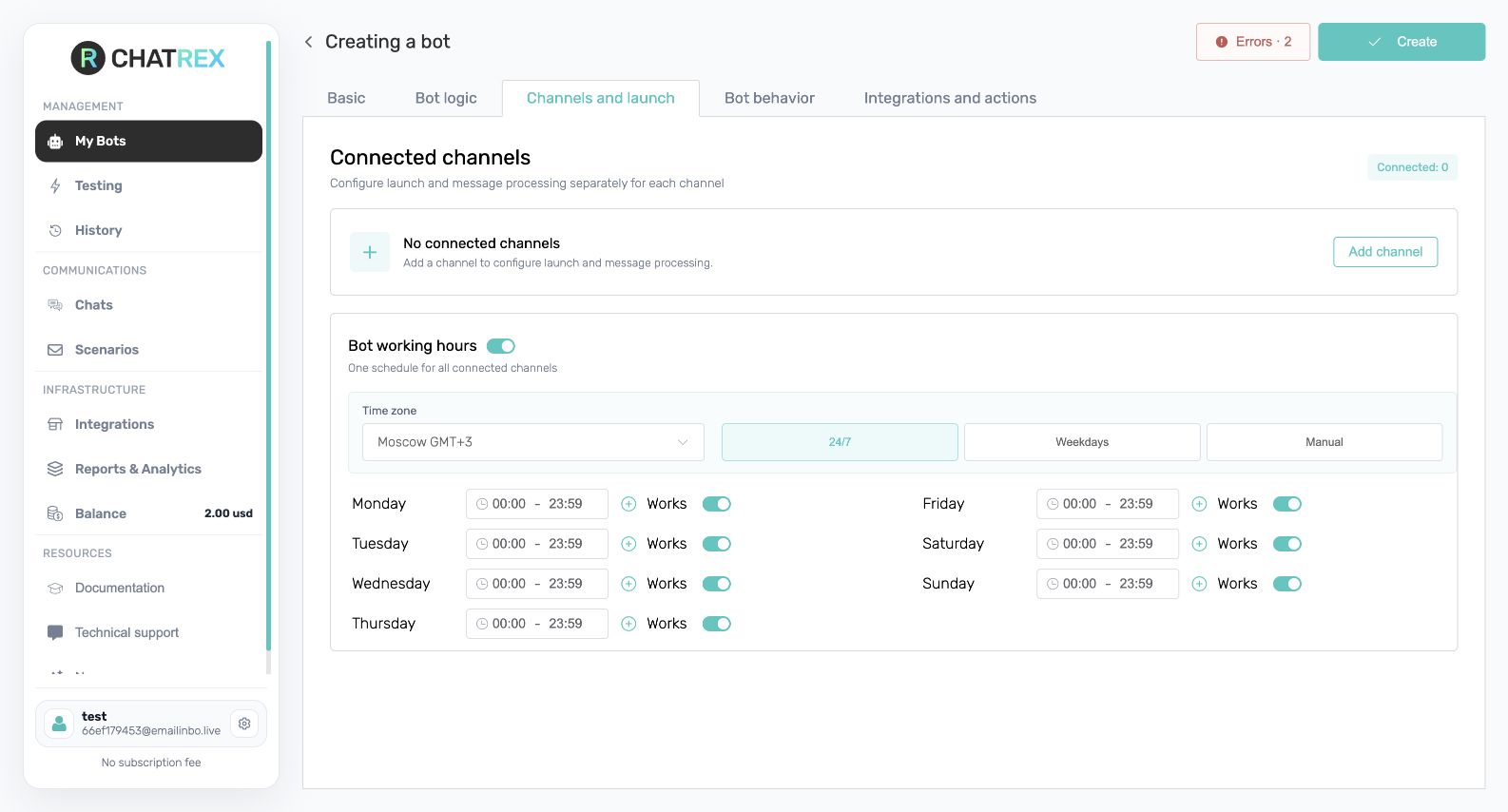
ChatRex may offer to add a channel immediately after creating a bot. You can complete the assignment there or close the dialog and configure it later on Channels and launch.
note
Only available connections appear in the channel selector. If the required service is missing, return to Integrations and check its status and subscription.
Next step
Configure launch conditions and bot behavior, then test the result.