# Integrations
Integrations connect ChatRex to messengers, CRMs, calendars, booking systems, and other services. A connection can provide a communication channel, a data source, or actions for a bot.
 ## Integration categories
- [**Channels**](<./channels/index.md>) — connect messengers, social networks, marketplaces, and website chat.
- [**Booking systems**](<./records-systems/index.md>) — work with availability and appointments.
- [**Omnichannel platforms**](<./omnichannel-platforms/index.md>) — connect multiple channels through one provider.
- [**CRM systems**](<./CRM/index.md>) — work with contacts, deals, orders, tasks, and students.
- [**CMS and commerce platforms**](<./cms/index.md>) — connect stores, product catalogs, and commerce data, including [MODX + miniShop2](./cms/modx.md).
- [**Marketplaces**](<./marketplaces/index.md>) — process questions, reviews, and marketplace conversations.
- [**Desk systems**](<./desk/index.md>) — handle support requests and hand conversations over to agents.
- [**Other integrations**](<./other-integrations/index.md>) — connect additional data sources and services.
- [**Moguta.CMS**](cms/Moguta.md) — install the ZIP from ChatRex and connect the published catalog and storefront chat.
## Connect an integration
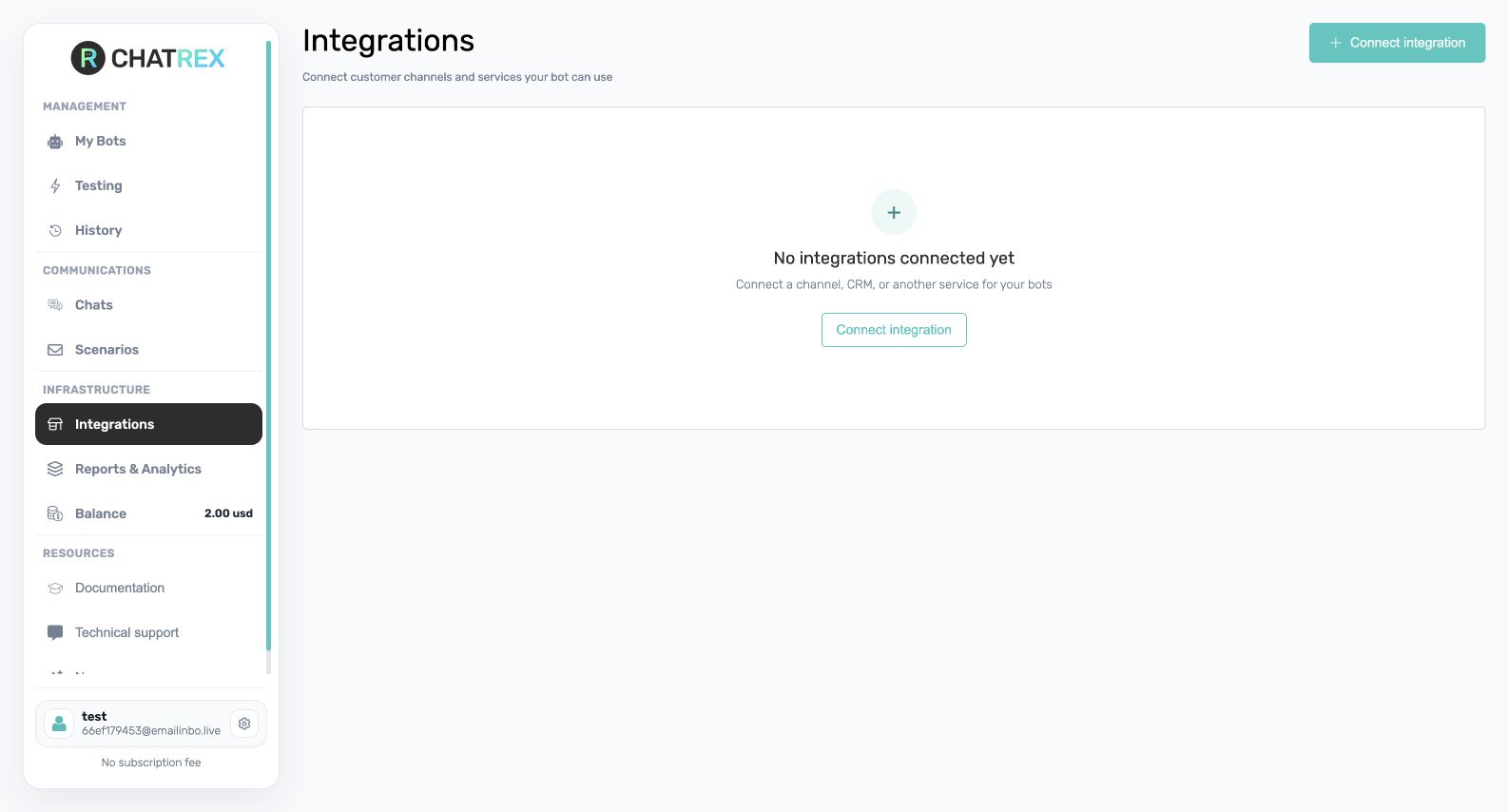
1. Open **Integrations** in the sidebar.
2. Select **Connect integration**.
3. Choose the required category and service.
4. Select **Connect**, complete authorization, and save the settings.
5. Confirm that the integration is active.
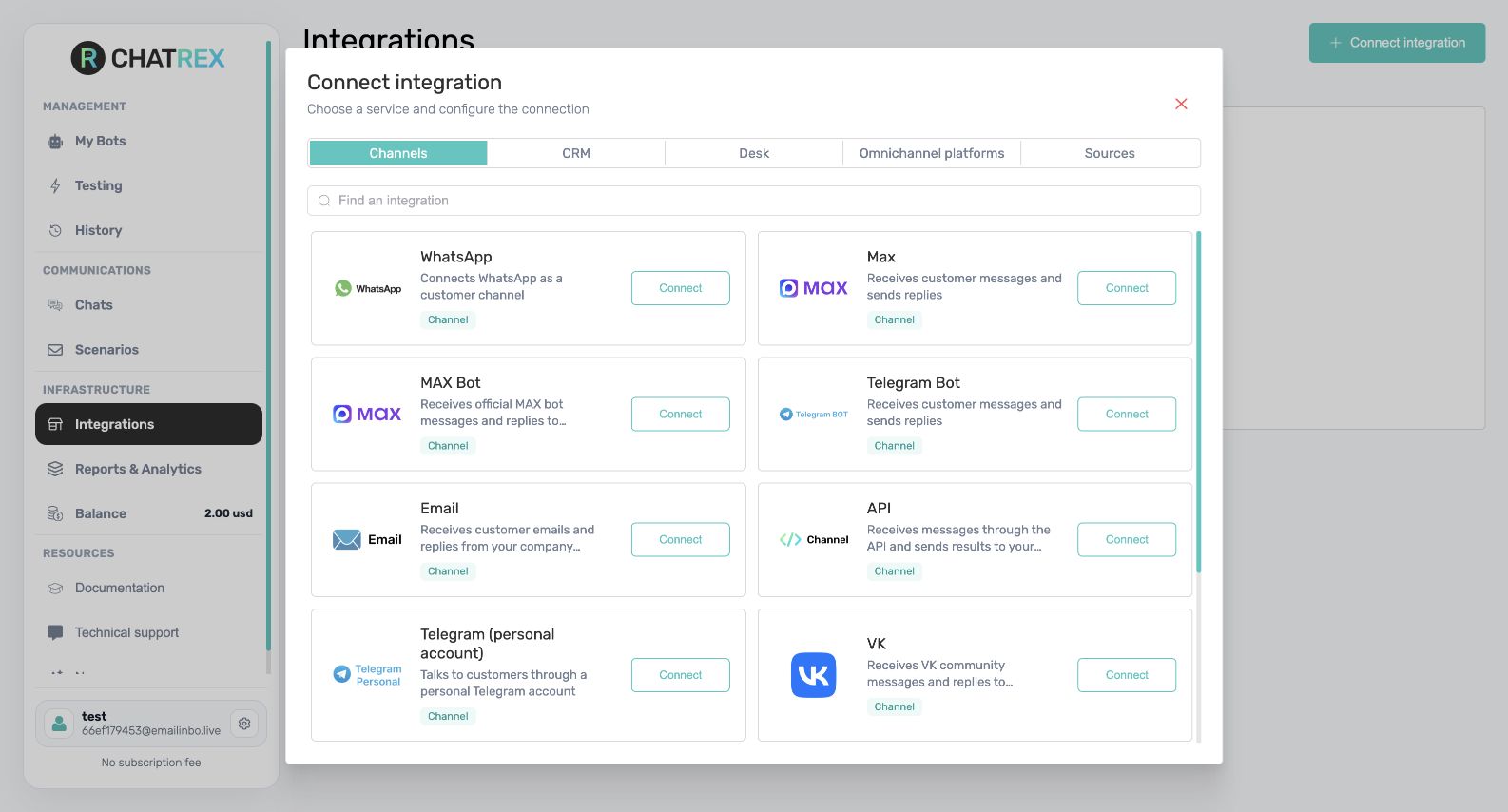 To use a communication channel, assign it to the bot on **Channels and launch**. To read or update external data, add the relevant operation on **Integrations and actions**. See [**Actions in integrations**](<../actions/integrations/index.md>) for service-specific operations.
!!!note
Not every integration provides bot actions. Some connections are used only as communication channels or data sources.
!!!