ChatRex documentation
ChatRex helps you build an AI bot that answers customers, uses your company knowledge, and performs actions in connected services. A bot can book an appointment, find an order, update a CRM record, or hand a conversation over to a team member.
New to ChatRex?
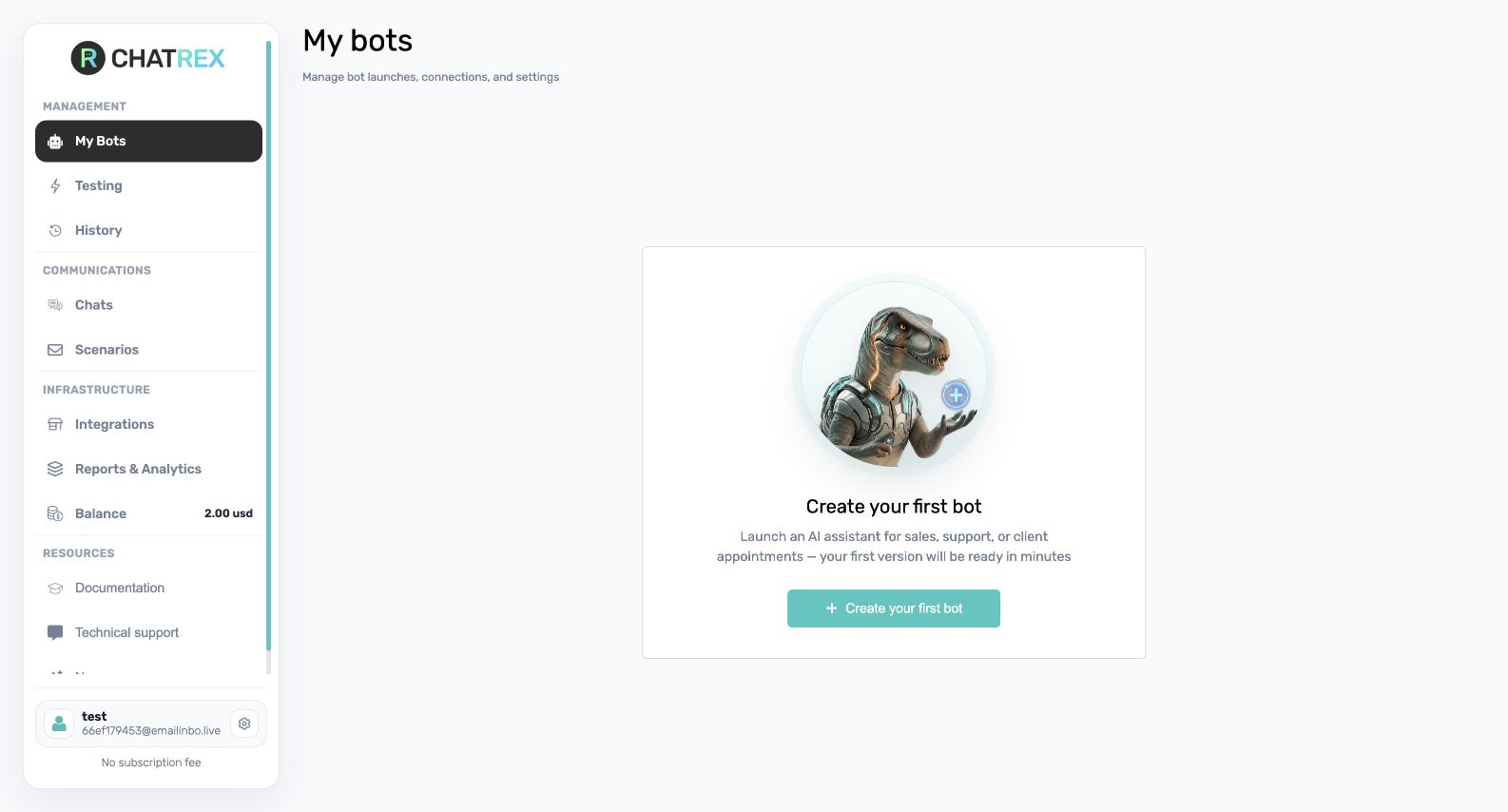
Follow the Quick start in order. To launch your first bot, you will:
- create a bot;
- define its role and rules in the main instruction;
- connect a channel such as Telegram or WhatsApp;
- assign that channel to the bot and configure launch conditions;
- test the conversation on the Testing page;
- send a final test message through the real channel.
Browse the documentation
- Quick start — create and launch a bot from scratch.
- Prompts — define the bot's role, communication rules, and behavior.
- Knowledge base — upload files and connect knowledge to a bot.
- Integrations — connect channels, CRMs, calendars, and other services.
- Actions — let the bot read or update data during a conversation.
- Communications — review chats and take over a conversation.
- Reports & Analytics — assess conversation quality and find weak scenarios.
- Partner portal — manage client accounts and balances.
- ChatRex Lite for amoCRM — use the separate ChatRex product inside amoCRM.
Before going live
Confirm that the bot has a clear name and instruction, at least one assigned channel, correct working hours and launch conditions, an active subscription, and enough balance. Test a normal question, an ambiguous question, every important action, and the handover to a human. Finally, verify the same flow in the real channel.
If the interface differs from an older video or screenshot, follow the labels and screenshots in this documentation. They reflect the current English interface.